

Description
Remote Control
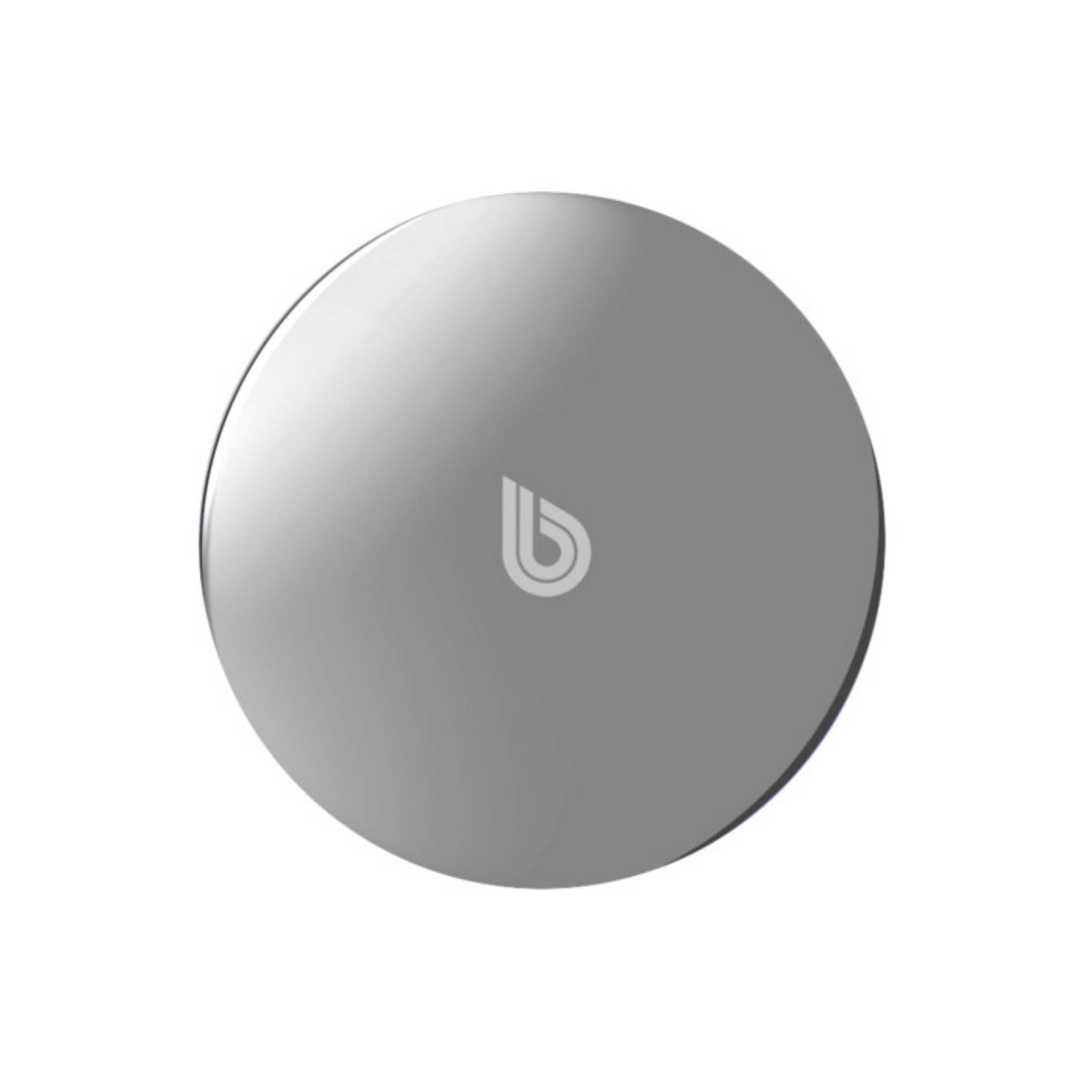
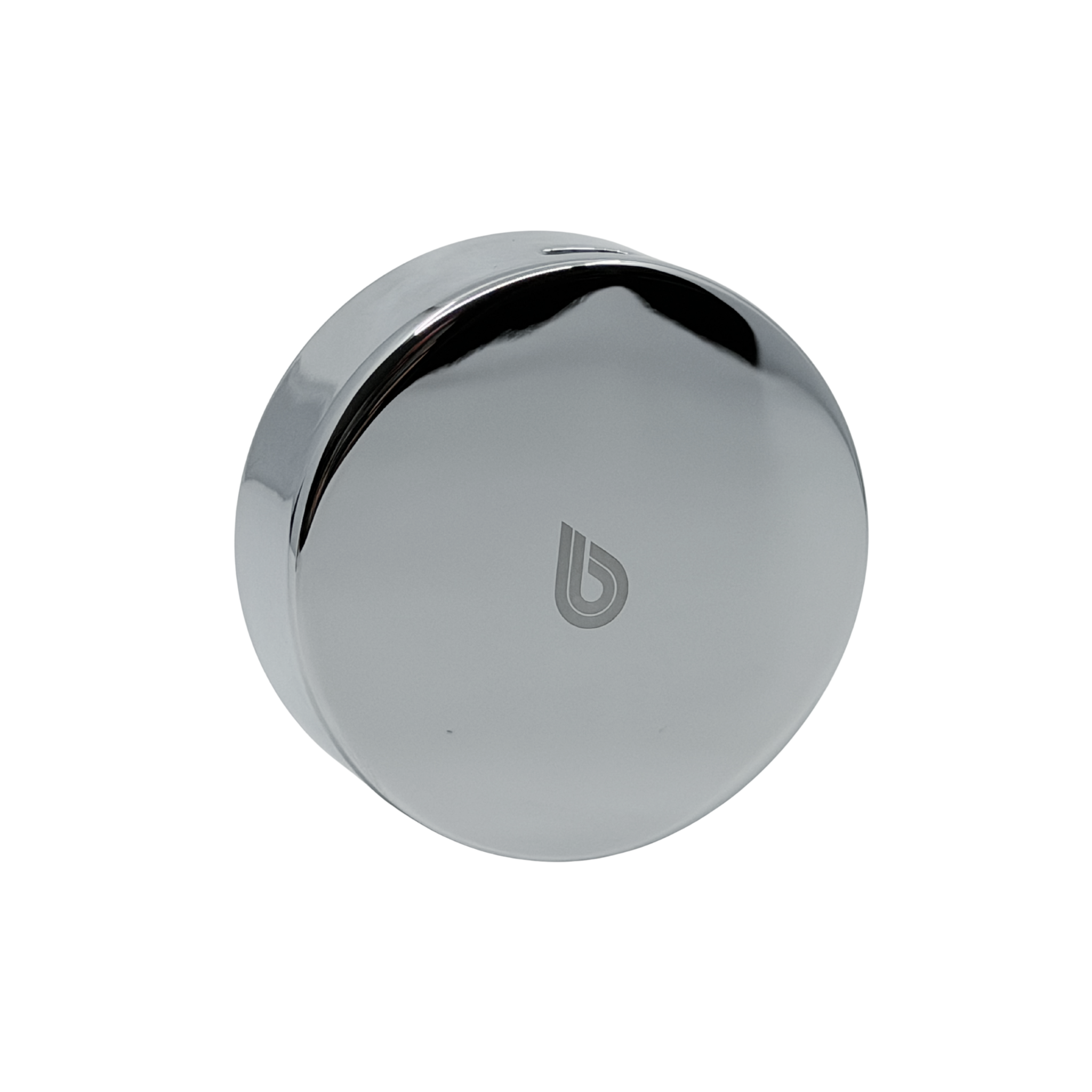
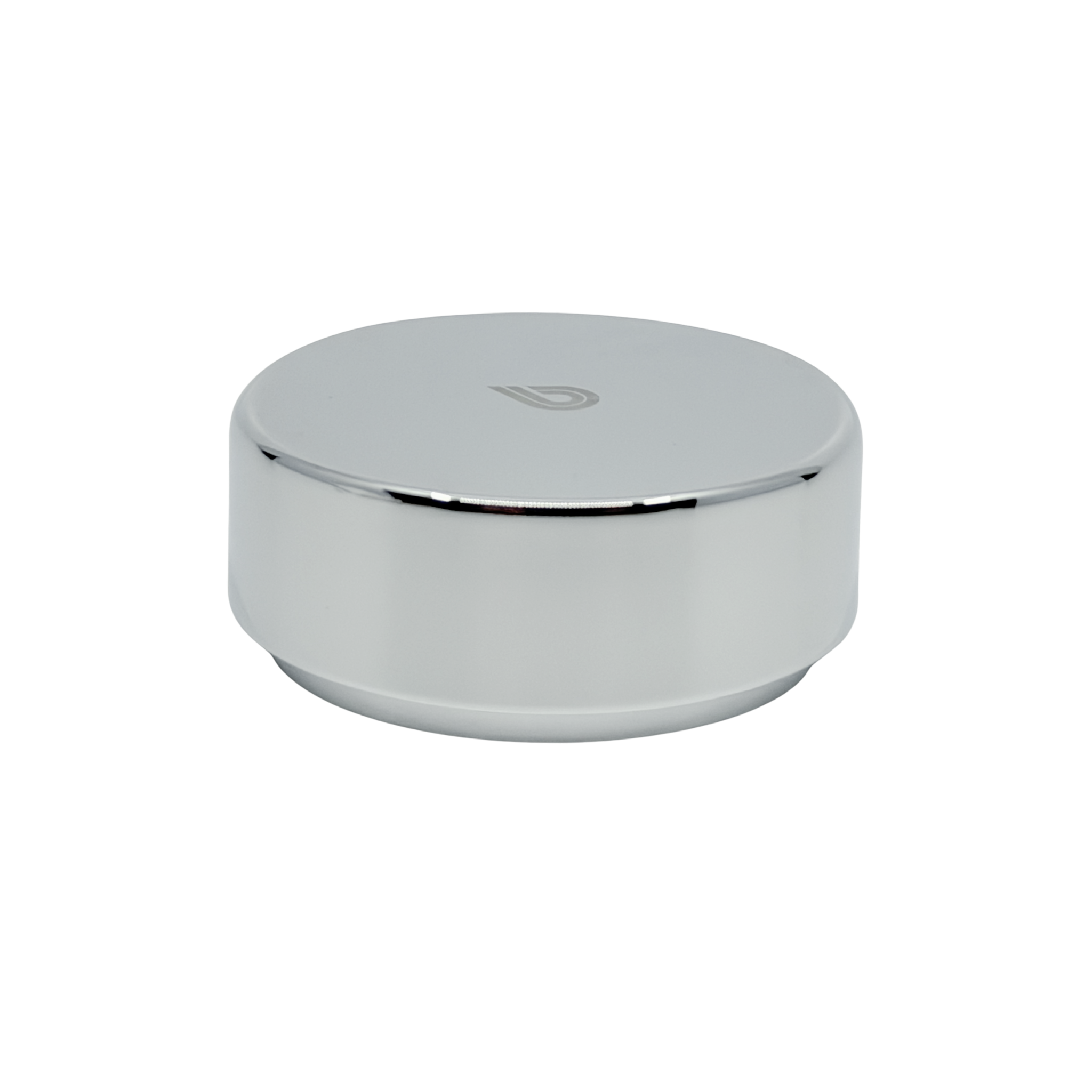
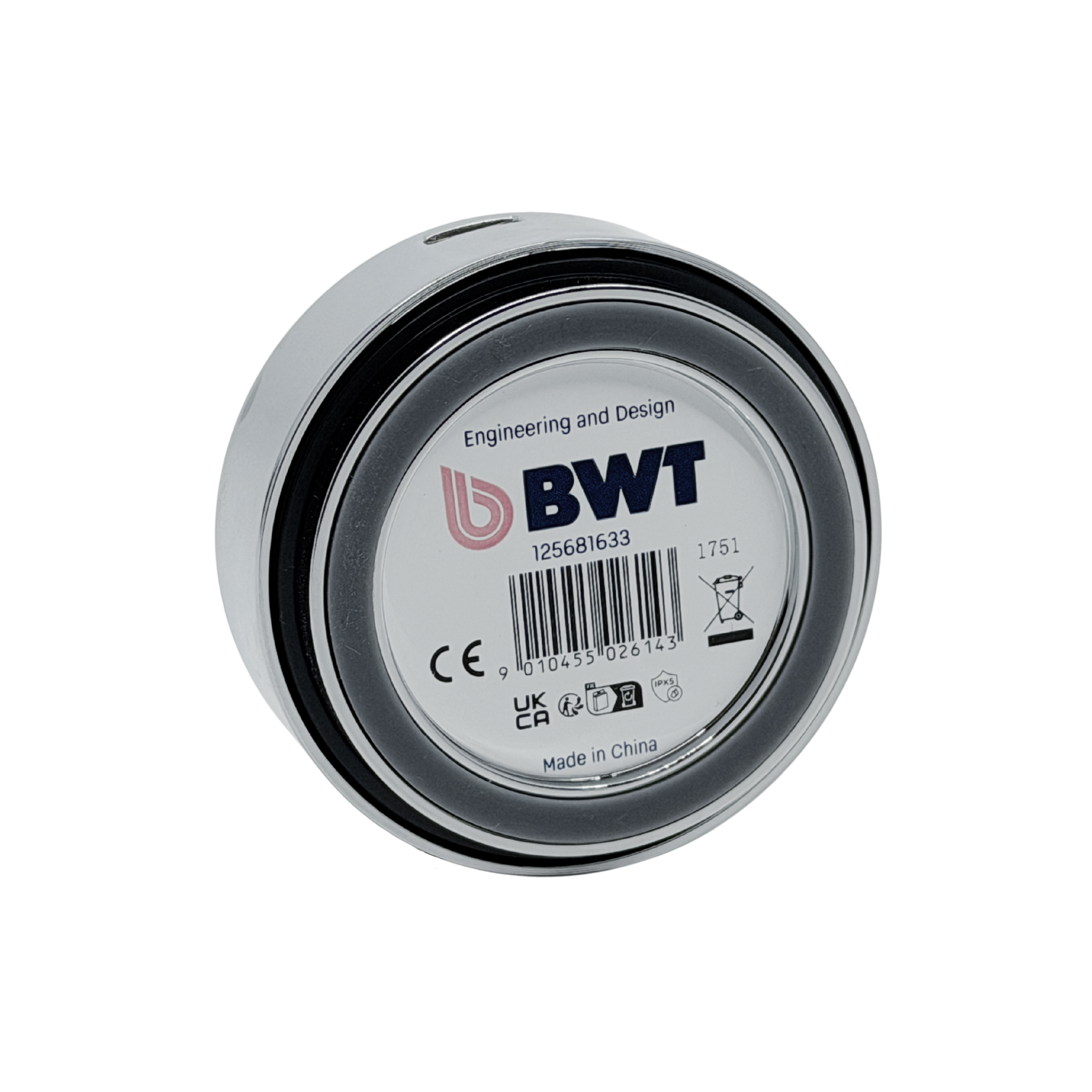
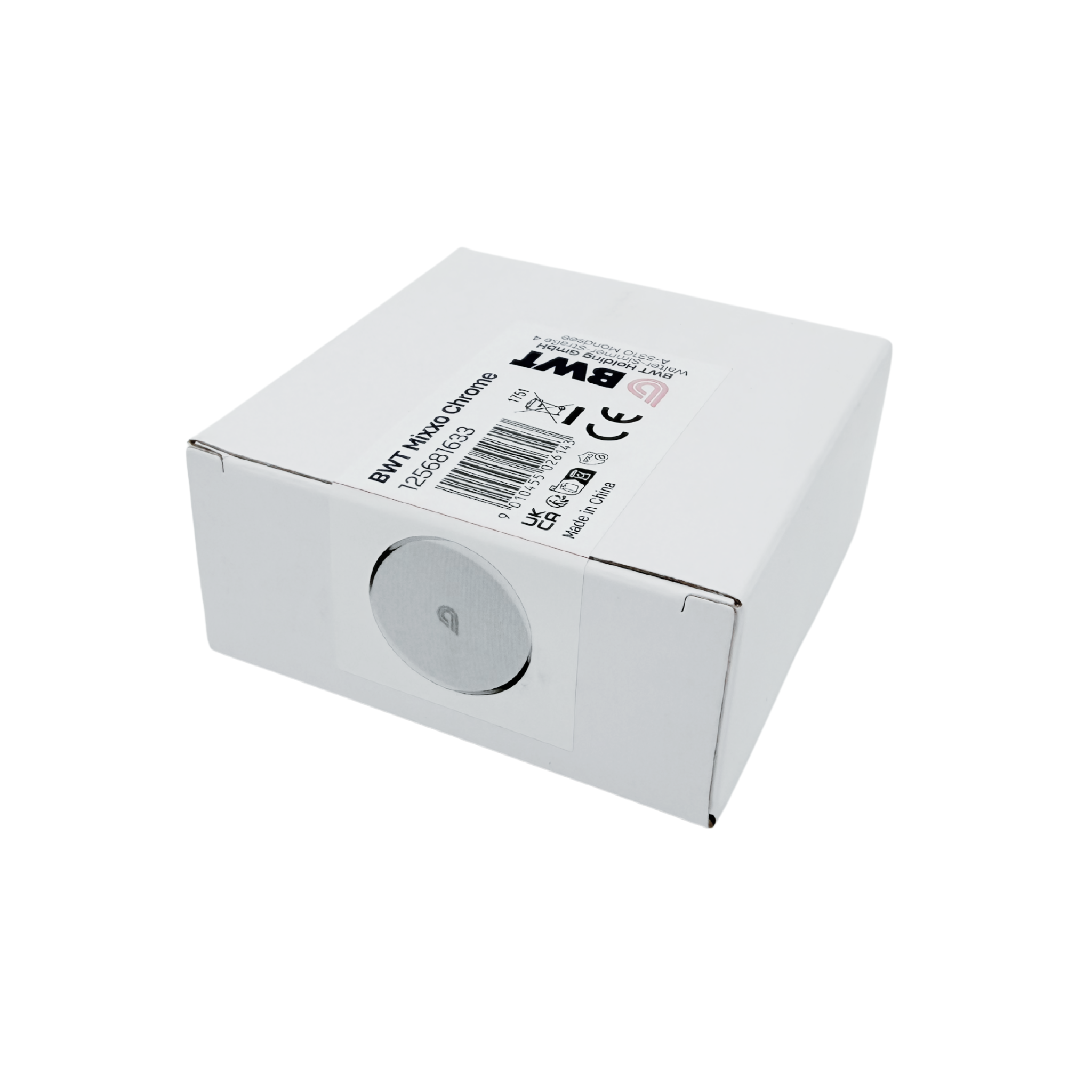
The remote control is the operating element of the BWT MIXXO Pro appliance. It is equipped with a push button and various light signals. BWT MIXXO Pro connects the cold water supply to an existing faucet and a BWT filter cartridge. The remote control can be used to switch between softwater and mineralized water.
When the cold water supply is opened, the BWT MIXXO Pro is by default in standby mode. This means that in standard mode the water comes out of the tap silky soft.
Switching to mineralized Pearlwater water via BWT MIXXO Pro can be activated in two ways:
- When the cold water tap handle is closed, activate BWT Mixxo Pro by pressing the remote control button. You have 10 seconds to open the cold water tap lever (be sure faucet lever is fully set to "cold") for mineralized water. After 10 seconds automatically gets deactivated.
- When the cold water tap handle open (be sure faucet lever is fully set to "cold"), activate BWT MIXXO Pro by pressing the button on remote control to have mineralized water. Fading blue lights on the remote control indicate that mineralized water is supplied to the faucet. After closing the water supply, BWT MIXXO Pro remains activated for 10 seconds so that more glasses can be filled. After 10 seconds, standby mode is activated and (softened) raw water is supplied.
Light signals on the remote: The remote control uses light signals to indicate whether the BWT MIXXO Pro is activated and to indicate the capacity of the cartridge in use:
A) Blue light signal: Pearlwater Mineralizer system is activated: Mineralized Pearlwater water is supplied to the faucet.
B) Yellow light signal: Warning e.g: Capacity of the Pearlwater Mineralizer cartridge soon exhausted (Check in BWT Best Water App, below 10% or below 14 days).
C) Red light signal: Warning e.g: Capacity of the Pearlwater Mineralizer cartridge exhausted.
D) Additional light signal: in the lower right corner indicates the remote's battery status. A red light indicates that the remote needs to be charged. Use the included USB-C charging cable to charge your remote.
Purple signal light: A purple signal light on the remote control indicates that the software of the remote control is being updated or that pairing mode is activated.